Avoiding the Copyright Police: Ways to Find Free Images for Your Blog
October 30, 2020
Remember story time as a kid? While the story was great, you have to confess it was the pictures that drew you in, right? Looking at the pictures was the best part of the entire experience.
The same applies to digital and printed communications.
Visuals, including photography and infographics, play a significant role in helping people take action, become inspired, or grasp a concept.
But you need to be careful about where you obtain your images.
Some imagery, including those on Google Images, are more often than not copyrighted and could land you in hot water if you use them without written permission.
“One of the issues we often see is clients using what they find on Google as images for a blog, website, or social media post. This is a dangerous game as many images are protected by copyright, or creative commons license, which limits their usage without proper payment or permission from the owner,” says Charlie Ewing, creative director at CGS Digital Marketing.
Before you get in haste to copy and paste, here are a few tips to tell if something is copyrighted or not:
- Credit or contact details – If an image is copyrighted, take a careful look at the caption. You might spot the name of the photographer or whoever created the image. You might also find that person’s email address in the caption. If you really like the picture, you can contact them to see if you can use it; however, don’t be surprised if you will need to pay a small royalty fee.
- Watermark – Many times, when an image is copyrighted, there will be a watermark or a faint design in the background of a logo or image. No matter how much you love the photo, don’t attempt to remove the watermark. It could cost you later on.
- Metadata – You may want to check an image’s metadata. Sometimes referred to as EXIF data, metadata is described as a set of data that gives information about other data. The website “How to Geek” provides a good explanation of how to do this using a PC or Mac.
- Reverse image search – If you are adamant about using the image and are determined to find the creator, you can use Google’s reverse image tool. You can upload the image there, and it will trace the photo back to where it resides online. From there, you might be able to determine the owner and contact him or her.
If you can’t find the owner to ask for permission, err on the side of caution and don’t use the image.
Photographers, illustrators, and graphic designers need to protect their livelihood and, as such, often check to see if there are situations where their images are being used without their approval.
It’s probably a smart idea to familiarize yourself with the different types of copyright laws and what they mean. Here is a list of the most common licenses:
- All Rights Reserved
- Royalty-Free
- Public Domain Work
- Attribution
- Attribution-ShareAlike
- Attribution-NoDerivs
- Attribution-NonCommercial
If I can’t use Google images, what can I use?
The consequences of using a copyrighted image can be, for lack of a better word, unpleasant.
“Copyright is always something to be mindful of in the age of information,” says Emily Glass, director of marketing for Because Marketing. “With free services such as Unsplash and Pexels, there are plenty of stock photo options that won’t break the bank. Still can’t find a photo that fits? Adobe Stock or Shutterstock are great paid options.”
Below is a roundup of some of the best websites out there that offer royalty-free use of images:
Pexels.com
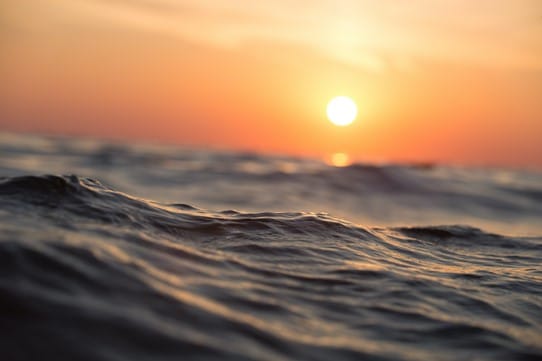
Pexels provides unlimited downloads of beautiful photos, and you’re bound to find something to match the subject at hand. Here’s an example of a beautiful picture you can download for free on this site:
Burst.shopify.com
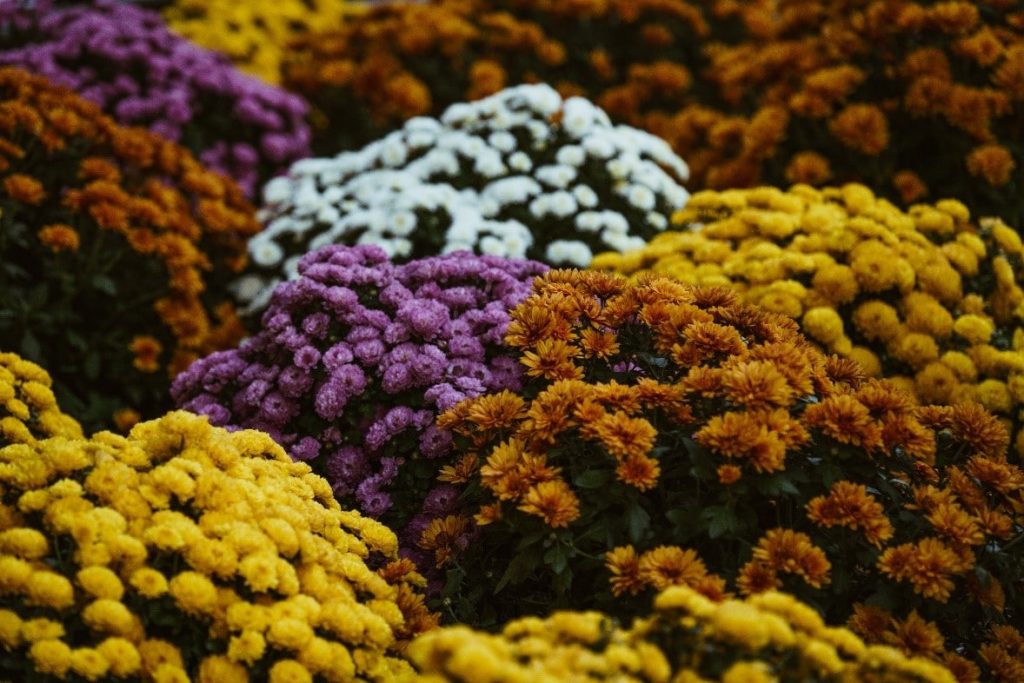
This site provides thousands of free images for websites and commercial use. Here’s a sample:
Reshot.com
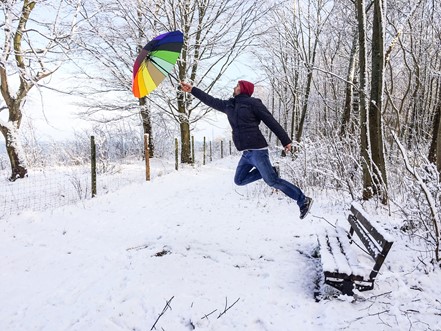
Reshot says it is a “uniquely free,” “non-stocky” source for photos. Here is a great example of something that you might not find elsewhere:
Pixabay.com
This expansive site provides over 1.8 million stock photos you can download for free. Here’s a sample:

Gratisography.com
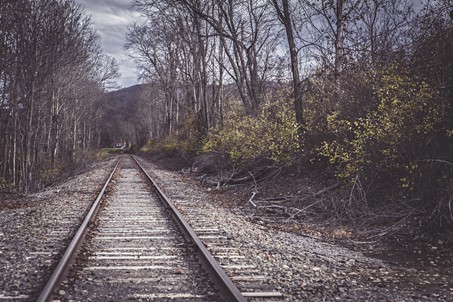
Gratisography markets itself as “truly unique, usually whimsy, and always free.” Here’s an example of what you can find on this site:
PXhere.com
Another full site that states the photos are free of copyright, so “do whatever you want.” Here’s a cool photo we downloaded from PXhere:
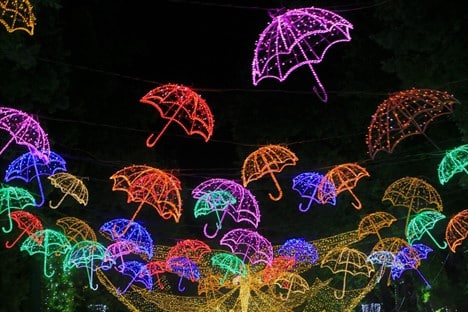
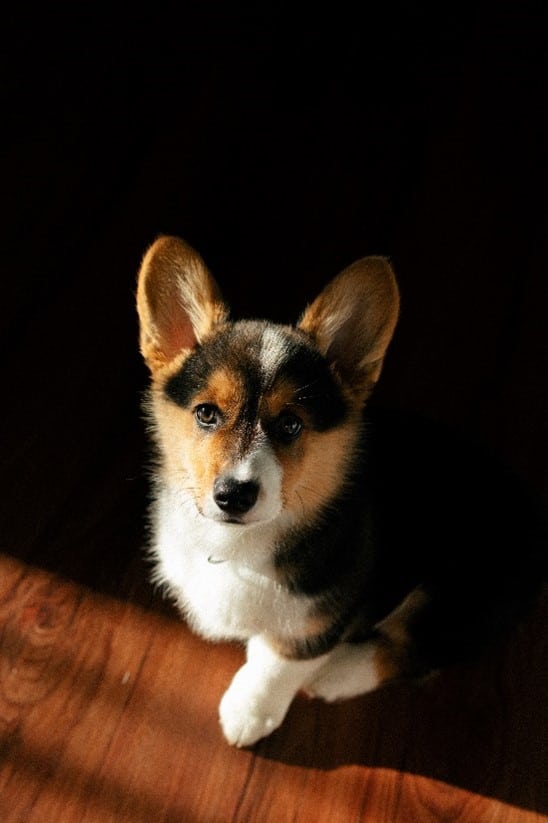
Unsplash.com
Unsplash has a robust collection of images ranging from pets to interiors to places of worship. Here’s a picture-perfect puppy we found:
Vecteezy
Vecteezy is a platform that offers a wide selection of high-quality photos, illustrations, and vectors, with both free images that require attribution and a premium tier for exclusive, attribution-free content. It’s a valuable resource for designers, marketers, and creatives. Here’s one of the images we found there:

If these sites don’t have what you’re looking for and you’re willing to pay, there are a few sites out there you can subscribe to for a reasonable price, including:
“We go through hundreds and thousands of stock photos with our clients every month. Stock images provide clients and writers with affordable, high-quality photos at their fingertips, and they have plenty of choices to pick from. Not only that but you can test and try the images before you purchase them. Photos are easy to license so you can be assured that you will not infringe on the copyright. A few of our favorite resources are freepik.com, pexels.com, unsplash.com, stock.adobe.com, and shutterstock.com,” says Sami Khaleeq, president of CGS Digital Marketing.
Creating Your Own Images
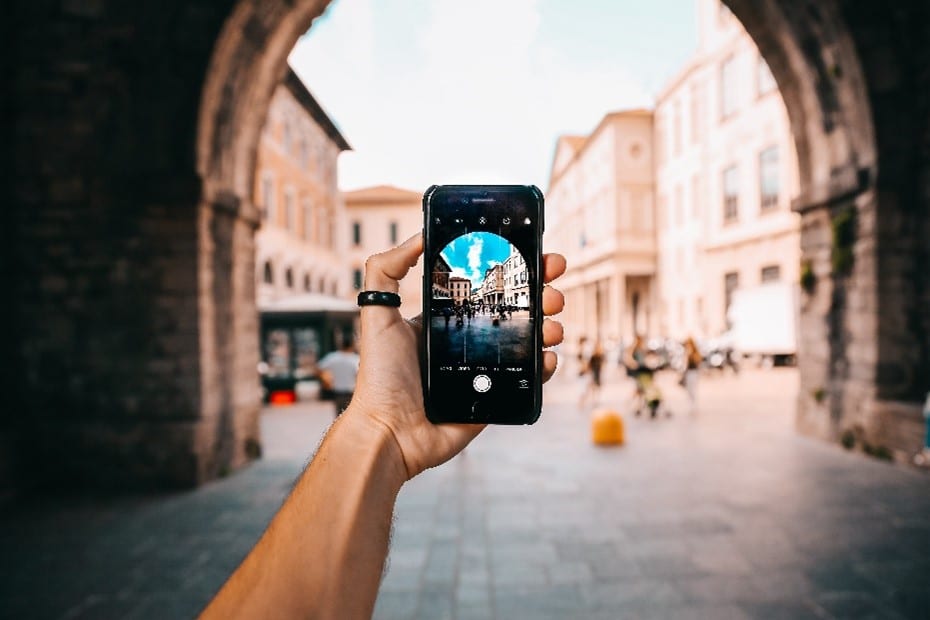
Maybe these sites don’t provide precisely what you need. If you need a quick photo and don’t have time or the resources to hire a professional photographer, you can always take advantage of your phone.
You can capture stunning images with your iPhone or Android. Digital Photography School provides some quick tips:
- Light up your subjects.
- Get close to your subject.
- Hold your phone steady.
- Save the editing for later.
- Don’t delete your mistakes.
- Don’t use the digital zoom feature.
- Experiment with white space.
- Take lots of shots, have fun, and experiment.
- Learn some basic composition rules, and then don’t be afraid to break them.
- Keep your lens clean.
- Practice camera phone etiquette 101: Obtain permission to take photos of others in public.
- Use the highest resolution possible.
Creating Graphics and Infographics
What if you need a quick graphic or infographic to explain a concept or present information? There are several great tools available for this purpose. Here are some examples:
Canva.com
Canva allows you to create professional-looking graphics that will make you wonder if you shouldn’t have pursued that degree in graphic design.
It’s user-friendly, intuitive, and provides a wide range of backgrounds, colors, and design elements.
You can use the basic version for free or pay a little extra to use the professional version.
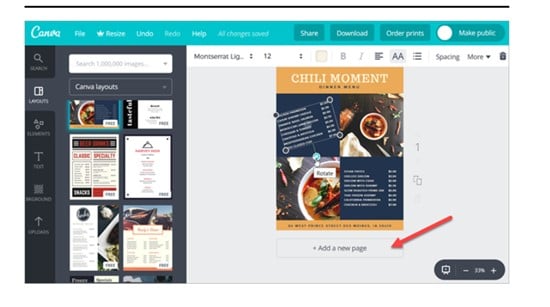
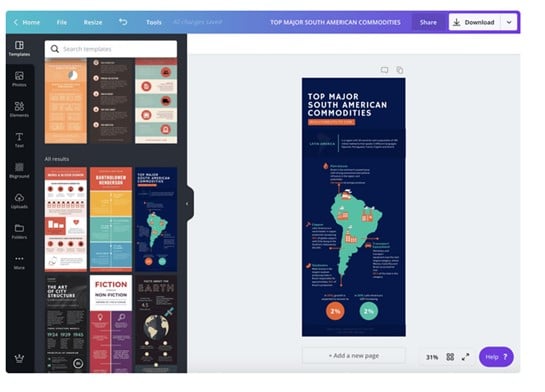
Canva lets you create everything from business cards to social media posts, posters, flyers, infographics, and restaurant menus. Below are images of designs made in Canva:
AdobeSpark.com
You can choose from millions of free photos from sites such as Unsplash, Pixabay, and Pexels to create your graphics in Adobe Spark.
It lets you add text animations and stickers, and also has a library of exclusive fonts.
There is a free version, which provides the basic usage, a $9.99 per month individual version, and a $19.99 per month version for multiple team members.
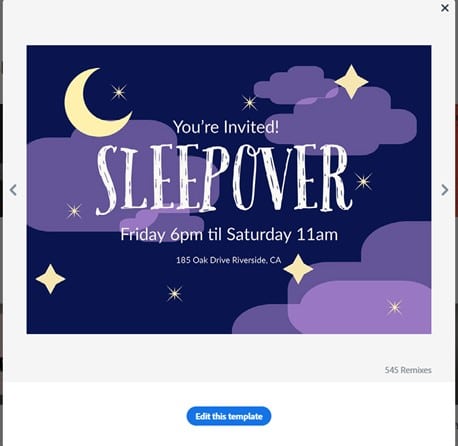
Below is one of the templates you can edit and use as your own:
Picmonkey
This online photo editing and designer program can be accessed via the web.
It provides graphic design and editing tools and design templates for wedding invitations, announcements, business cards, and more.
You can use the basic features for free, but to get access to all the bells and whistles, you’ll have to pay a membership fee.
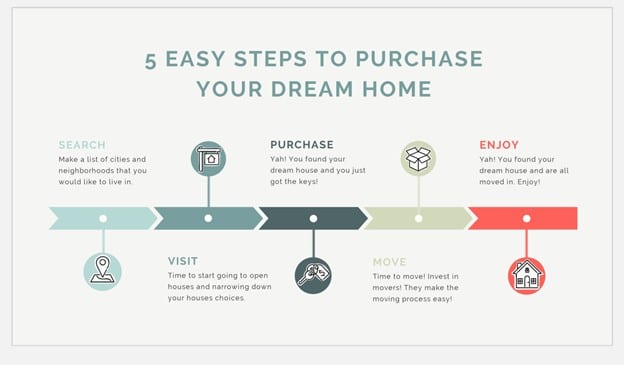
Here’s an example of what you can make using PicMonkey:
Visuals are an essential element of your blog post, website articles, and social media posts. With these resources at your fingertips, you’re sure to steer clear of copyright infringement, while at the same time creating something engaging and compelling for your audiences.






I appreciate you sharing this blog post. Thanks Again. Cool.